

Joystiq
Joystiq News
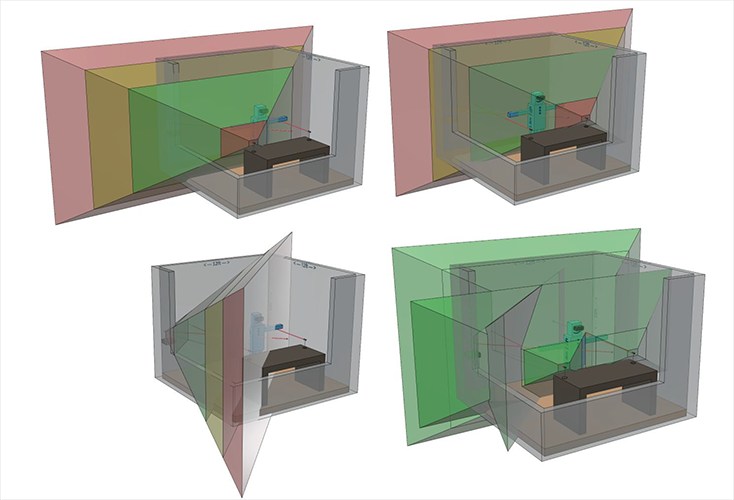
We've been dealing with USB for about two decades now, and to be honest, we're not usually asking that much from it. Plug in an adapter, microphone or game controller, then keep it moving. All of that changes, however, when it comes to virtual reality. As Oculus , plugging in a bunch of sends enough data through the ports to potentially overwhelm the 400MB/s capacity of the controller chip on your motherboard.
Because of this, the answer isn't to simply plug in a hub and get more high-speed USB 3.0 ports, in fact, Oculus says you should probably get good results by using two USB 3.0 connections, plus one older USB 2.0 port if you need to go beyond two sensors to get some more mobility in your VR experiences. The blog is currently helping gamers get through the setup process, so go ahead and check out all of the posts to make sure everything is positioned and working correctly.
Source:
Console Bang News!