

When we first started covering Nintendo Switch news and games a while ago, it fit nicely within our focus and evolved into our daily SwitchArcade Round-Up. With Valve’s Steam Deck, we aren’t going to push it as much so quickly, but we are keeping an eye on things to see how it evolves across games and Valve’s software. Our aim is to bring you great coverage around it if you’re a new Steam Deck owner or someone interested in getting one in the future. If you missed our review on the hardware, it back in February.
One of the good things about the Steam Deck is that it ships with a fantastic case that will be perfectly fine for most people, but both new and old (you know what I mean) Steam Deck owners can expand the experience and improve various aspects of it with a few accessories. You get everything you need with your purchase, but the items below will make things better. Some of these I consider essential, while others are optional, but nice to have.

What SD card to buy for Steam Deck
Even if you have a 256GB Steam Deck, chances are you will want more storage considering how most AAA games are approaching well above 60-70GB these days if not even hitting 100GB. It is very convenient to be able to swap in and out micro SD cards on Steam Deck or just use a single large capacity one. SanDisk’s SD cards are great for both Switch and Steam Deck, and while you can buy lower capacity ones, I’d recommend grabbing the or if you don’t plan on using more than one. If you are ok swapping between SD cards, you can get the 256GB and 128GB ones. A lot of AAA PC games are huge, so 256GB should really be the minimum.

The best Steam Deck case to use
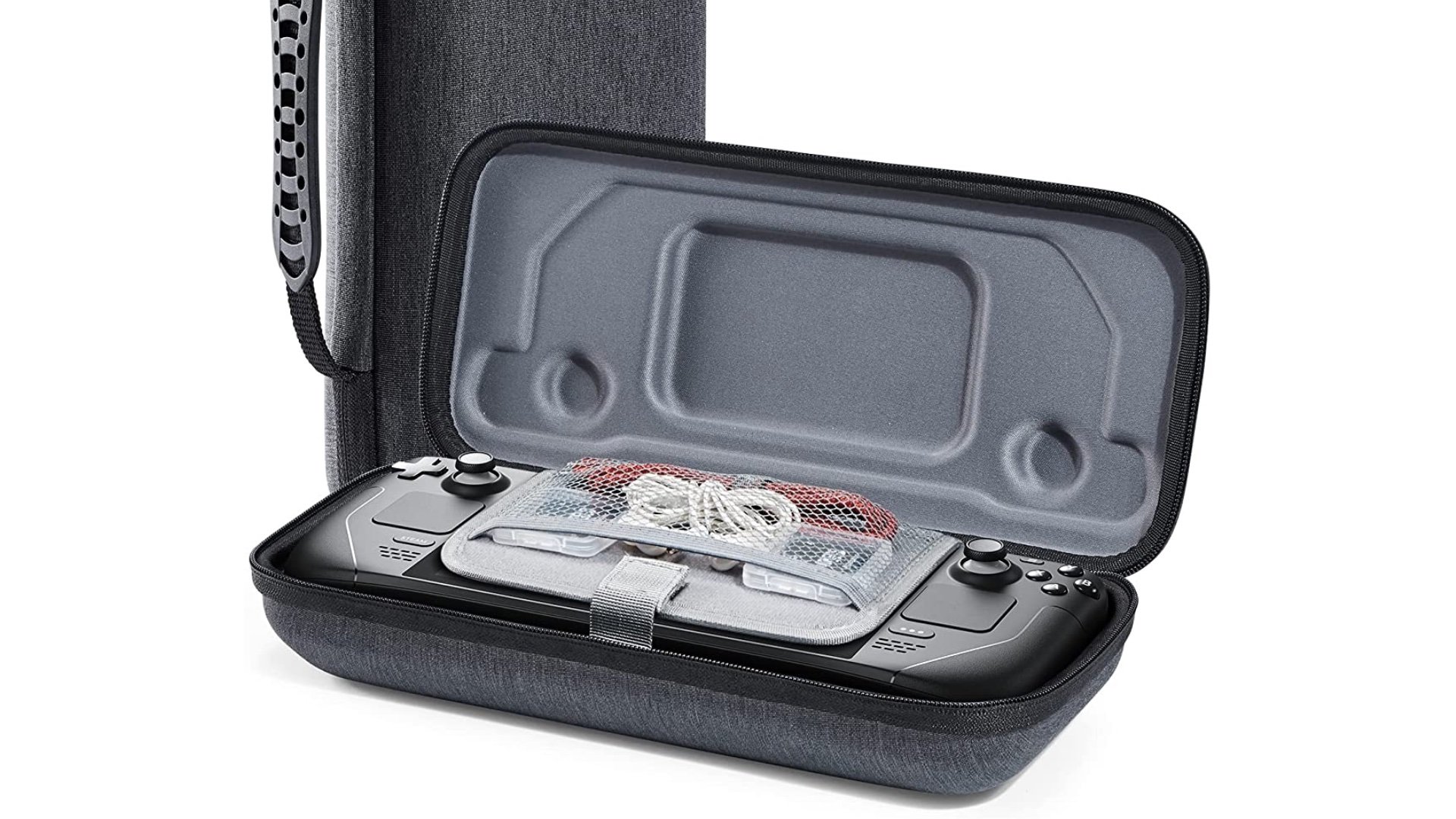
The Steam Deck ships with an excellent case, but only the has as extra pouch and a cleaning cloth. The case itself is great, but if you’ve run into problems with the zippers or want a spare case, the is very good for the Steam Deck and a few accessories.
Steam Deck and USB Hubs
While some people have run into issues with USB hubs on the Steam Deck, Valve’s newer updates have worked at improving compatibility with . When you’re looking at a USB Type-C hub, you should get one with support for regular USB slots, power, and maybe ethernet or HDMI. The best hubs I’ve used so far in general are from Anker. Check out for Steam Deck to add various useful ports to your Deck.

Best Steam Deck controller to buy – PS5 or Xbox
While most people will likely not need to use an external controller, it will help if you use your Steam Deck in tabletop mode or connect it to an external display. You can buy a variety of controllers since the Steam Deck is a PC with bluetooth support, but you’re better off getting a depending on your preference. You can also get one of the excellent 8BitDo controllers . For the PS5 controller, the is available more often than the colors while there are many Xbox Wireless Controller colors available. is pretty great.

Steam Deck USB C Cable
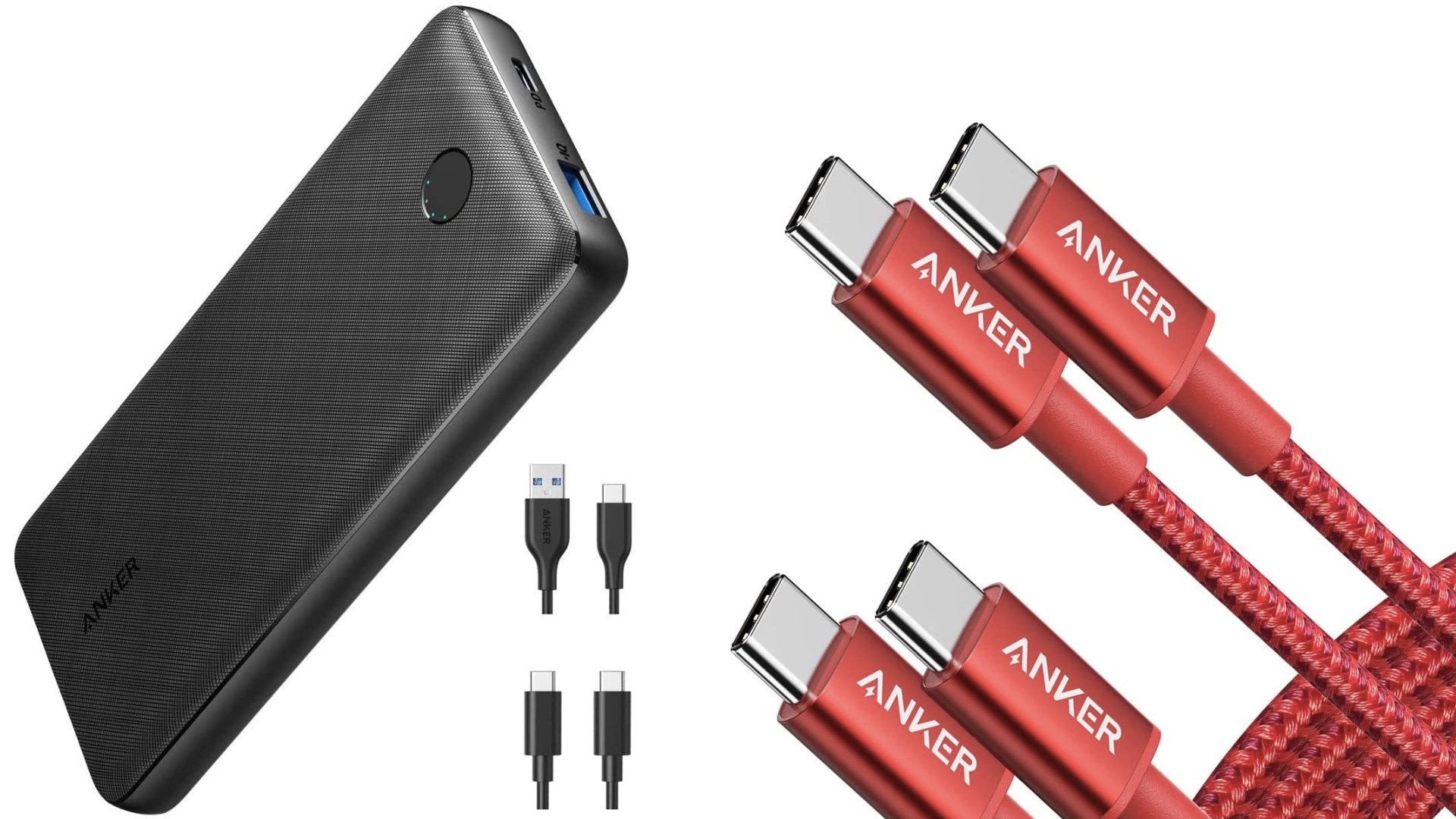
If you want to charge your Steam Deck on an external power bank, you likely want a good USB C cable. The Anker ones have been great in my experience for charging iPad Pro, Nintendo Switch, and now with the Steam Deck. The one I’d recommend is . Ideally, you can find one with a right angle connector like here, but I haven’t been able to find a good one at a decent price so far. If you do find one, let us know in the comments below.
Extending Steam Deck battery life with a power bank
While you can limit frame rate, reduce brightness, and do more to consume less power on your Steam Deck during gameplay, it is always worth having a portable way to charge your handheld. If you own a Nintendo Switch, you likely already have a power bank, but is pretty great for use with Steam Deck and other devices.
Wireless headphones for Steam Deck
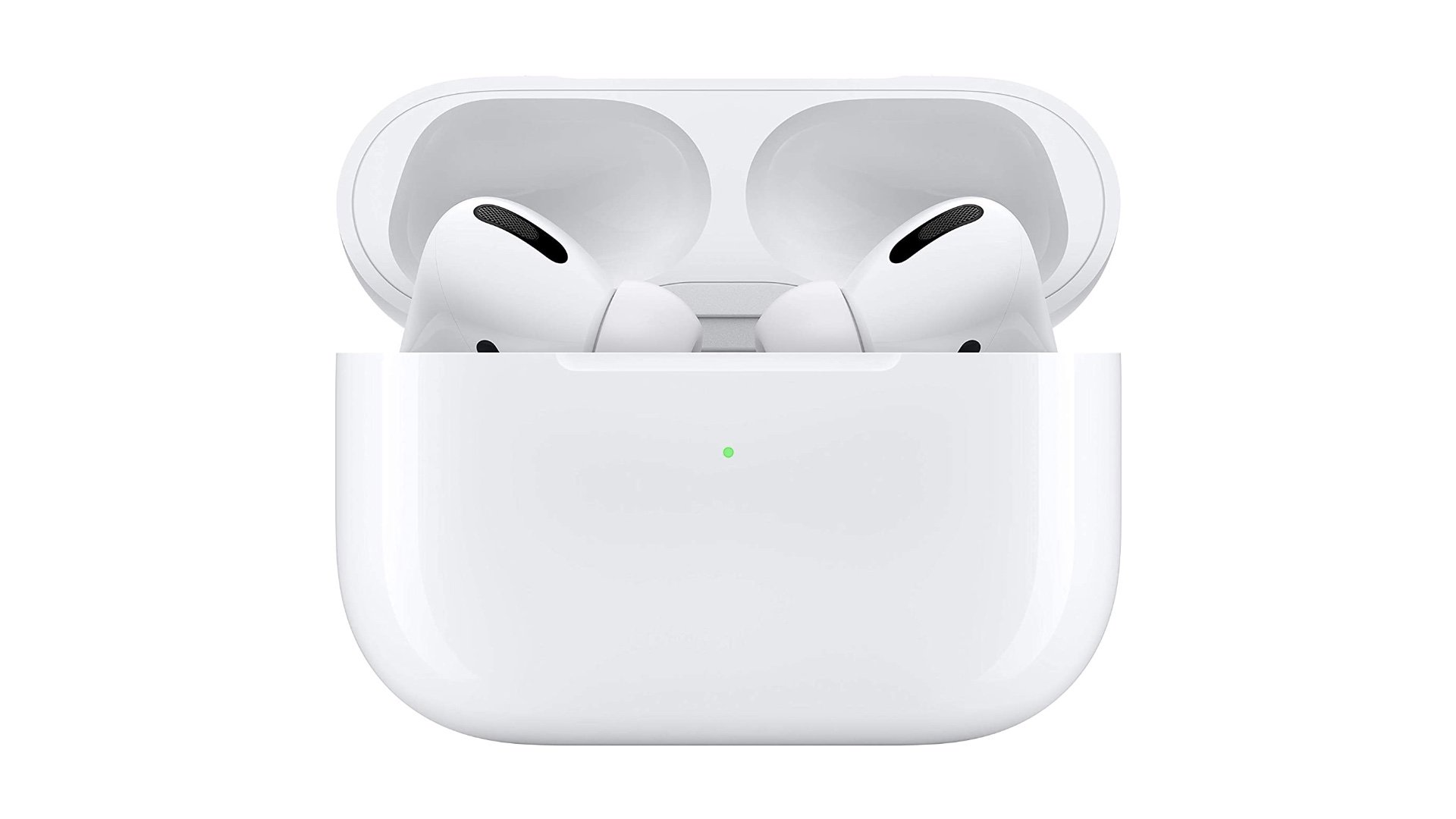
With the likes of headphones, keyboards, and mice, there is a lot more flexibility since the Steam Deck is essentially a PC, but the set I’d recommend is either Apple’s AirPods or . The AirPods are probably my favorite Apple product since the original iPad, and it is great to have a portable that works with them well now. They usually see discounts often as well.
Steam Deck screen protector
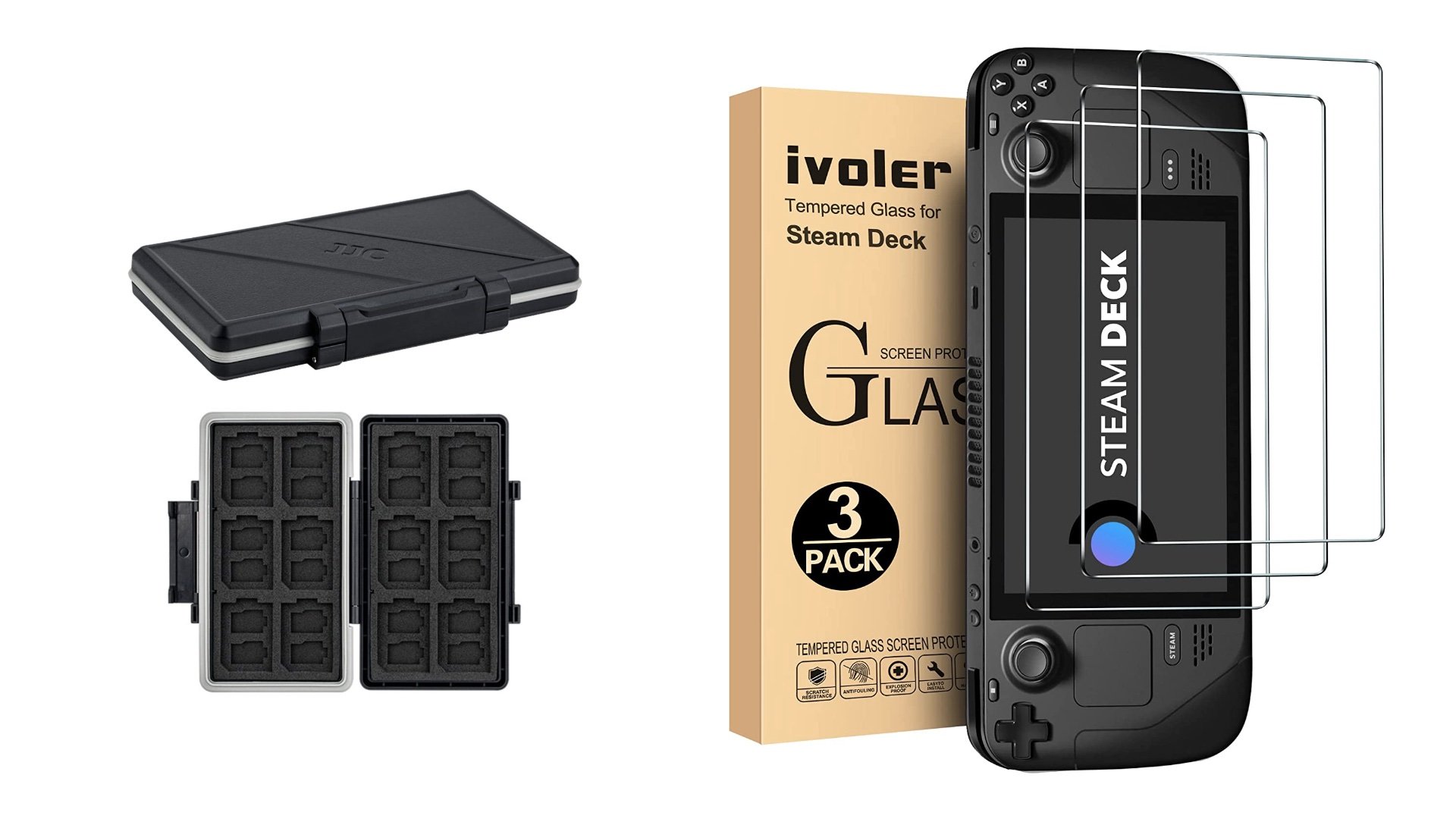
If you’re a fan of using screen protectors with tempered glass and the like on displays, the best Steam Deck screen protector is on Amazon. You can get a set for a low asking price and they are pretty easy to apply. There might be better ones in the future, but for now, is your best bet.
If you’re interested in getting a few more accessories for your Steam Deck, the ones below aren’t essential, but they are nice to have in different situations.
Steam Deck SD card carrying case
One interesting use case I’ve seen online is buying a few lower capacity micro SD cards instead of one expensive large one. Some people have been treating these individual ones as cartridges for game franchises or larger games. I like the idea and decided to get one for fighting games, one for Yakuza games, and so on. If you plan on doing that, you can grab which will come in handy.
Steam Deck cleaning cloth
The last optional accessory is a cleaning cloth. You probably have some of these lying at home with spectacles or whatever, but it is good to have one in your Steam Deck carry case for when you need to clean the screen. Just make sure you aren’t using one that has some crumbs or any dirt trapped on it beforehand so you avoid scratching your Steam Deck screen.

Hopefully these help you get the most out of your shiny new Steam Deck. If you have any other Steam Deck accessory suggestions, let us know in the comments below. I’m very interested to see how everyone is enjoying this handheld. If you do buy any of the accessories listed above through on Amazon, it helps TouchArcade in a small way and you get some good deals on products that will make your Steam Deck experience a lot better in some way or the other.
One of the good things about the Steam Deck is that it ships with a fantastic case that will be perfectly fine for most people, but both new and old (you know what I mean) Steam Deck owners can expand the experience and improve various aspects of it with a few accessories. You get everything you need with your purchase, but the items below will make things better. Some of these I consider essential, while others are optional, but nice to have.
What SD card to buy for Steam Deck
Even if you have a 256GB Steam Deck, chances are you will want more storage considering how most AAA games are approaching well above 60-70GB these days if not even hitting 100GB. It is very convenient to be able to swap in and out micro SD cards on Steam Deck or just use a single large capacity one. SanDisk’s SD cards are great for both Switch and Steam Deck, and while you can buy lower capacity ones, I’d recommend grabbing the or if you don’t plan on using more than one. If you are ok swapping between SD cards, you can get the 256GB and 128GB ones. A lot of AAA PC games are huge, so 256GB should really be the minimum.
The best Steam Deck case to use
The Steam Deck ships with an excellent case, but only the has as extra pouch and a cleaning cloth. The case itself is great, but if you’ve run into problems with the zippers or want a spare case, the is very good for the Steam Deck and a few accessories.
Steam Deck and USB Hubs
While some people have run into issues with USB hubs on the Steam Deck, Valve’s newer updates have worked at improving compatibility with . When you’re looking at a USB Type-C hub, you should get one with support for regular USB slots, power, and maybe ethernet or HDMI. The best hubs I’ve used so far in general are from Anker. Check out for Steam Deck to add various useful ports to your Deck.
Best Steam Deck controller to buy – PS5 or Xbox
While most people will likely not need to use an external controller, it will help if you use your Steam Deck in tabletop mode or connect it to an external display. You can buy a variety of controllers since the Steam Deck is a PC with bluetooth support, but you’re better off getting a depending on your preference. You can also get one of the excellent 8BitDo controllers . For the PS5 controller, the is available more often than the colors while there are many Xbox Wireless Controller colors available. is pretty great.
Steam Deck USB C Cable
If you want to charge your Steam Deck on an external power bank, you likely want a good USB C cable. The Anker ones have been great in my experience for charging iPad Pro, Nintendo Switch, and now with the Steam Deck. The one I’d recommend is . Ideally, you can find one with a right angle connector like here, but I haven’t been able to find a good one at a decent price so far. If you do find one, let us know in the comments below.
Extending Steam Deck battery life with a power bank
While you can limit frame rate, reduce brightness, and do more to consume less power on your Steam Deck during gameplay, it is always worth having a portable way to charge your handheld. If you own a Nintendo Switch, you likely already have a power bank, but is pretty great for use with Steam Deck and other devices.
Wireless headphones for Steam Deck
With the likes of headphones, keyboards, and mice, there is a lot more flexibility since the Steam Deck is essentially a PC, but the set I’d recommend is either Apple’s AirPods or . The AirPods are probably my favorite Apple product since the original iPad, and it is great to have a portable that works with them well now. They usually see discounts often as well.
Steam Deck screen protector
If you’re a fan of using screen protectors with tempered glass and the like on displays, the best Steam Deck screen protector is on Amazon. You can get a set for a low asking price and they are pretty easy to apply. There might be better ones in the future, but for now, is your best bet.
If you’re interested in getting a few more accessories for your Steam Deck, the ones below aren’t essential, but they are nice to have in different situations.
Steam Deck SD card carrying case
One interesting use case I’ve seen online is buying a few lower capacity micro SD cards instead of one expensive large one. Some people have been treating these individual ones as cartridges for game franchises or larger games. I like the idea and decided to get one for fighting games, one for Yakuza games, and so on. If you plan on doing that, you can grab which will come in handy.
Steam Deck cleaning cloth
The last optional accessory is a cleaning cloth. You probably have some of these lying at home with spectacles or whatever, but it is good to have one in your Steam Deck carry case for when you need to clean the screen. Just make sure you aren’t using one that has some crumbs or any dirt trapped on it beforehand so you avoid scratching your Steam Deck screen.
Hopefully these help you get the most out of your shiny new Steam Deck. If you have any other Steam Deck accessory suggestions, let us know in the comments below. I’m very interested to see how everyone is enjoying this handheld. If you do buy any of the accessories listed above through on Amazon, it helps TouchArcade in a small way and you get some good deals on products that will make your Steam Deck experience a lot better in some way or the other.