
AKVIS v.2021.11 Portable (MULTi / 2021)
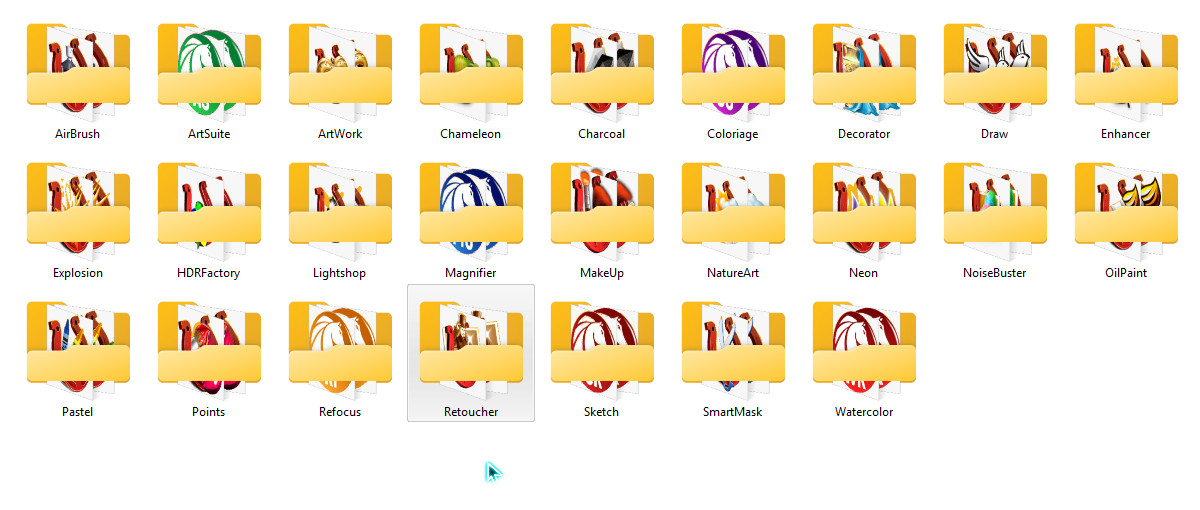
by syneus, Multilingual: English, German, Russian, French, Spanish, Portuguese, Italian, Japanese, Size: 1.24 GB
The AKVIS company offers programs for photo processing, tools for creative people. All AKVIS software products are available as separate standalone programs and as add-on modules for Photoshop and other graphics editors.
Programs:
• AKVIS AirBrush 7.5 (x64)
• AKVIS ArtSuite 19.5 (x64) NEW
• AKVIS ArtWork 12.5 (x64)
• AKVIS Chameleon 11.1 (x64)
• AKVIS Charcoal 5.5 (x64)
• AKVIS Coloriage 13.0 (x64) NEW
• AKVIS Decorator 8.1 (x64)
• AKVIS Draw 8.5 (x64)
• AKVIS Enhancer 17.1 (x64)
• AKVIS Explosion 1.6 (x64)
• AKVIS HDRFactory 7.5 (x64)
• AKVIS LightShop 7.2 (x64)
• AKVIS Magnifier AI 11.0 (x64) NEW
• AKVIS MakeUp 7.7 (x64)
• AKVIS NatureArt 11.2 (x64)
• AKVIS Neon 5.1 (x64)
• AKVIS Noise Buster 11.1 (x64)
• AKVIS OilPaint 9.5 (x64)
• AKVIS Pastel 5.5 (x64)
• AKVIS Points 5.5 (x64)
• AKVIS Refocus AI 11.5 (x64) NEW
• AKVIS Retoucher 11.1 (x64)
• AKVIS Sketch 24.5 (x64) NEW
• AKVIS SmartMask 11.1 (x64)
• AKVIS Watercolor 6.0 (x64) NEW
Important:
• If after the trial period the counters have not been reset (and the program does not open), close the program and delete the sandbox.
• When you delete the sandbox, all settings (changes that were made to the program settings) are also reset.
• Start all programs via Loader, otherwise the activation message will appear on startup (see the example of the AKVIS.jpg file)
• If a Runtime Error occurs, delete the portable folder and restart the program, if the error persists, restart your computer.
• Assembled in VMware ThinApp
System requirements:
• Windows: 7-10 (64-bit)

by syneus, Multilingual: English, German, Russian, French, Spanish, Portuguese, Italian, Japanese, Size: 1.24 GB
The AKVIS company offers programs for photo processing, tools for creative people. All AKVIS software products are available as separate standalone programs and as add-on modules for Photoshop and other graphics editors.
Programs:
• AKVIS AirBrush 7.5 (x64)
• AKVIS ArtSuite 19.5 (x64) NEW
• AKVIS ArtWork 12.5 (x64)
• AKVIS Chameleon 11.1 (x64)
• AKVIS Charcoal 5.5 (x64)
• AKVIS Coloriage 13.0 (x64) NEW
• AKVIS Decorator 8.1 (x64)
• AKVIS Draw 8.5 (x64)
• AKVIS Enhancer 17.1 (x64)
• AKVIS Explosion 1.6 (x64)
• AKVIS HDRFactory 7.5 (x64)
• AKVIS LightShop 7.2 (x64)
• AKVIS Magnifier AI 11.0 (x64) NEW
• AKVIS MakeUp 7.7 (x64)
• AKVIS NatureArt 11.2 (x64)
• AKVIS Neon 5.1 (x64)
• AKVIS Noise Buster 11.1 (x64)
• AKVIS OilPaint 9.5 (x64)
• AKVIS Pastel 5.5 (x64)
• AKVIS Points 5.5 (x64)
• AKVIS Refocus AI 11.5 (x64) NEW
• AKVIS Retoucher 11.1 (x64)
• AKVIS Sketch 24.5 (x64) NEW
• AKVIS SmartMask 11.1 (x64)
• AKVIS Watercolor 6.0 (x64) NEW
Important:
• If after the trial period the counters have not been reset (and the program does not open), close the program and delete the sandbox.
• When you delete the sandbox, all settings (changes that were made to the program settings) are also reset.
• Start all programs via Loader, otherwise the activation message will appear on startup (see the example of the AKVIS.jpg file)
• If a Runtime Error occurs, delete the portable folder and restart the program, if the error persists, restart your computer.
• Assembled in VMware ThinApp
System requirements:
• Windows: 7-10 (64-bit)