

Windows
Windows
Today, Windows developers can leverage PyTorch to run inference on the latest models across the breadth of GPUs in the Windows ecosystem, thanks to DirectML. We’ve updated to use DirectML 1.13 for acceleration and support PyTorch 2.2. PyTorch with DirectML simplifies the setup process, through a one-package install, making it easy to try out AI powered experiences and supporting your ability to scale AI to your customers across Windows. To see these updates in action, check out our Build session . See here to learn how our hardware vendor partners are making this experience great:
pip install torch-directml
Once installed, check out our that will get you running a language model locally in no time! Start by installing a few requirements and logging into the Hugging Face CLI:
pip install –r requirements.txt
huggingface-cli login
Next, run the following command, which downloads the specified Hugging Face model, optimizes it for DirectML, and runs the model in an interactive chat-based Gradio session!
python app.py --model_repo “microsoft/Phi-3-mini-4k-instruct”
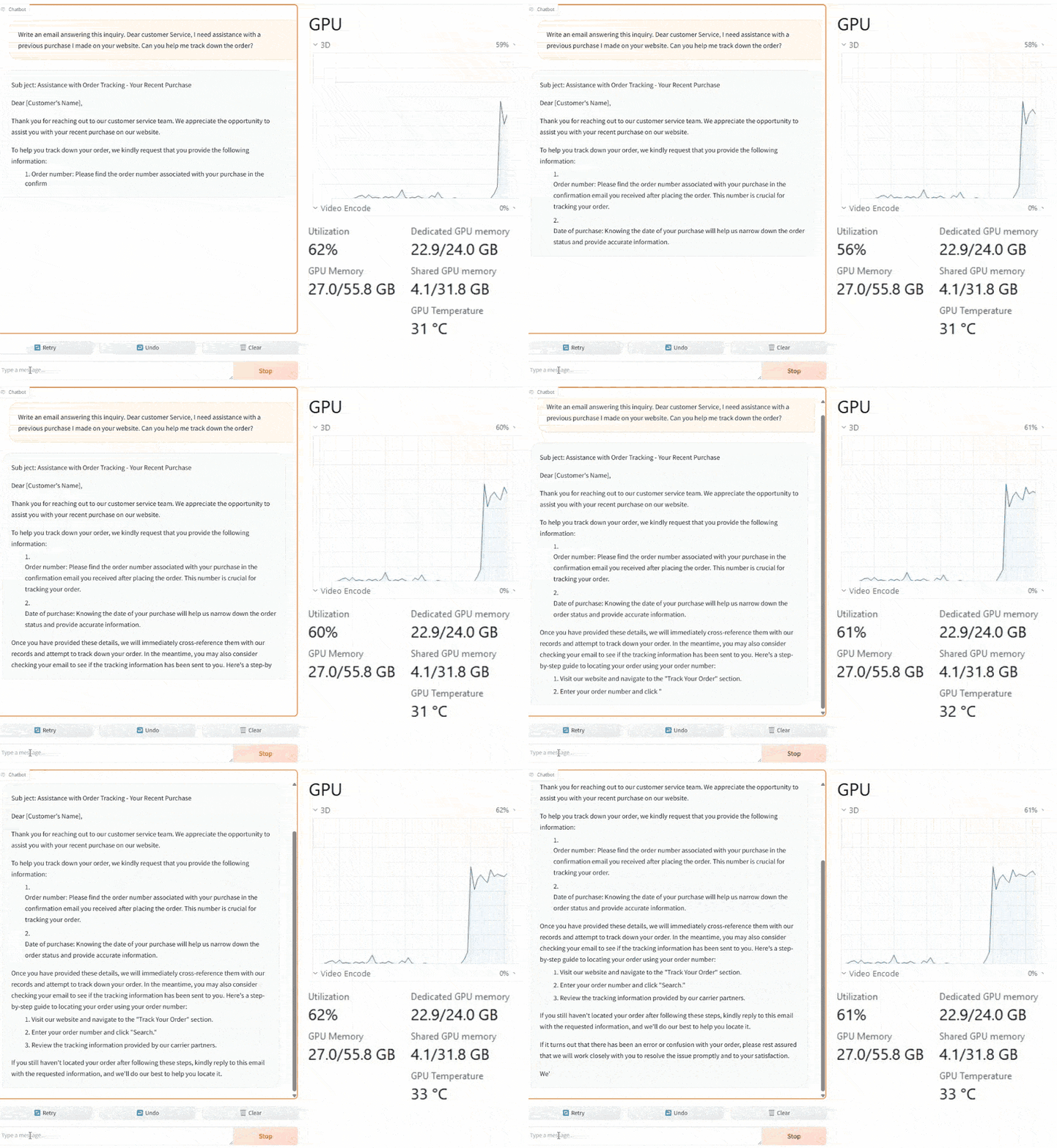 Phi 3 Mini 4K running locally using DirectML through the Gradio Chatbot interface. These latest PyTorch with DirectML samples work across a range of machines and perform best on recent GPUs equipped with the newest drivers. Check out the section of the sample for more info on the GPU memory requirements for each model. This seamless inferencing experience is powered by our close co-engineering relationships with our hardware partners to make sure you get the most of your Windows GPU when leveraging DirectML.
- AMD: AMD is glad PyTorch with DirectML is enabling even more developers to run LLMs locally. about where else AMD is investing with DirectML.
- Intel: Intel is excited to support Microsoft’s PyTorch with DirectML goals – see our to learn more about the full support that’s available today.
- NVIDIA: NVIDIA looks forward to developers using the torch-directml package accelerated by RTX GPUs. Check out all the NVIDIA related Microsoft Build announcements around and their with Microsoft.
PyTorch with DirectML is easy-to-use with the latest Generative AI models
PyTorch with DirectML provides an easy-to-use way for developers to try out the latest and greatest AI models on their Windows machine. This update builds on DirectML’s world class inferencing platform ensuring these optimizations provide a scalable and performant experience across the latest Generative AI models. Our aim in this update is to ensure a seamless experience with relevant Gen AI models, such as Llama 2, Llama 3, Mistral, Phi 2, and Phi 3 Mini, and we’ll expand our coverage even more in the coming months! The best part is using the latest Torch-DirectML package with your Windows GPU is as simple as running:pip install torch-directml
Once installed, check out our that will get you running a language model locally in no time! Start by installing a few requirements and logging into the Hugging Face CLI:
pip install –r requirements.txt
huggingface-cli login
Next, run the following command, which downloads the specified Hugging Face model, optimizes it for DirectML, and runs the model in an interactive chat-based Gradio session!
python app.py --model_repo “microsoft/Phi-3-mini-4k-instruct”