

To celebrate , we thought we'd show you how to express yourself to the fullest! Emoji are awesome little glyphs that can be combined, communicated, and interpreted a million ways and counting. Whether you just want to send a to your grandkids or prod your kids to clean their rooms, here's how to open the emoji on the keyboard you're most likely to encounter on an Android phone.
Keyboards used in this guide
- Google's own: (Free at Google Play)
- Great alternative: (Free at Google Play)
- Open any communication app like Android Messages or Twitter.
Tap a text box such as a texting conversation or Compose Tweet to open the keyboard.
Tap the smiley face symbol next to the space bar.
- If you don't see a smiley face, long-press the comma for Gboard or the enter for SwiftKey.
- The first page of emoji you normally encounter is recent emoji or the face emojis. You can drag your finger up or down within the page to scroll. You can tap to another page from the ribbon at the top of the keyboard.
Tap your desired emoji to add it to your message.
If an emoji has a little triangle in the lower right corner, it is an emoji with options, such as skin tone or gender.
- For Gboard, press the emoji then slide your finger up through the emoji options, only releasing your fingertip when it is over the version you want to add it to your message. Gboard puts male and female emoji in the same menu for profession and activity emoji.
- For SwiftKey, press and hold the base emoji until a menu pops up. Then tap the skin color option you desire. SwiftKey keeps male and female emoji in separate menus, so the only option within will be skin tone.
Emojis tend to be in slightly different categories in different keyboards, so you might need to look between a few pages to find the emoji you want — or you could turn on emoji predictions, and then typing the word Trident will bring up the lovely to poke and prod all your friends with.
How to enable emoji predictions in Gboard
- Open Gboard in your app drawer.
- Tap Text correction.
Tap Show emoji predictions to toggle it on.
We don't have to dig into the SwiftKey settings app to turn them on, they're one of the quick settings accessible within the keyboard itself, so if you have your keyboard open, you're already halfway there!
- Tap the + symbol in the top left corner of the keyboard.
- Tap the gear icon in the menu ribbon that appears above the prediction bar.
Tap Emoji predictions to toggle it on.
Now that you've got emoji enabled and predictions on, it'll be easier than ever to get your on and with the . Or weird out your kids. Just stay away from the food emojis unless you have a translator handy.
Keep your from on the
Anker Powerline+ C to C 2.0 Cable (6 ft)
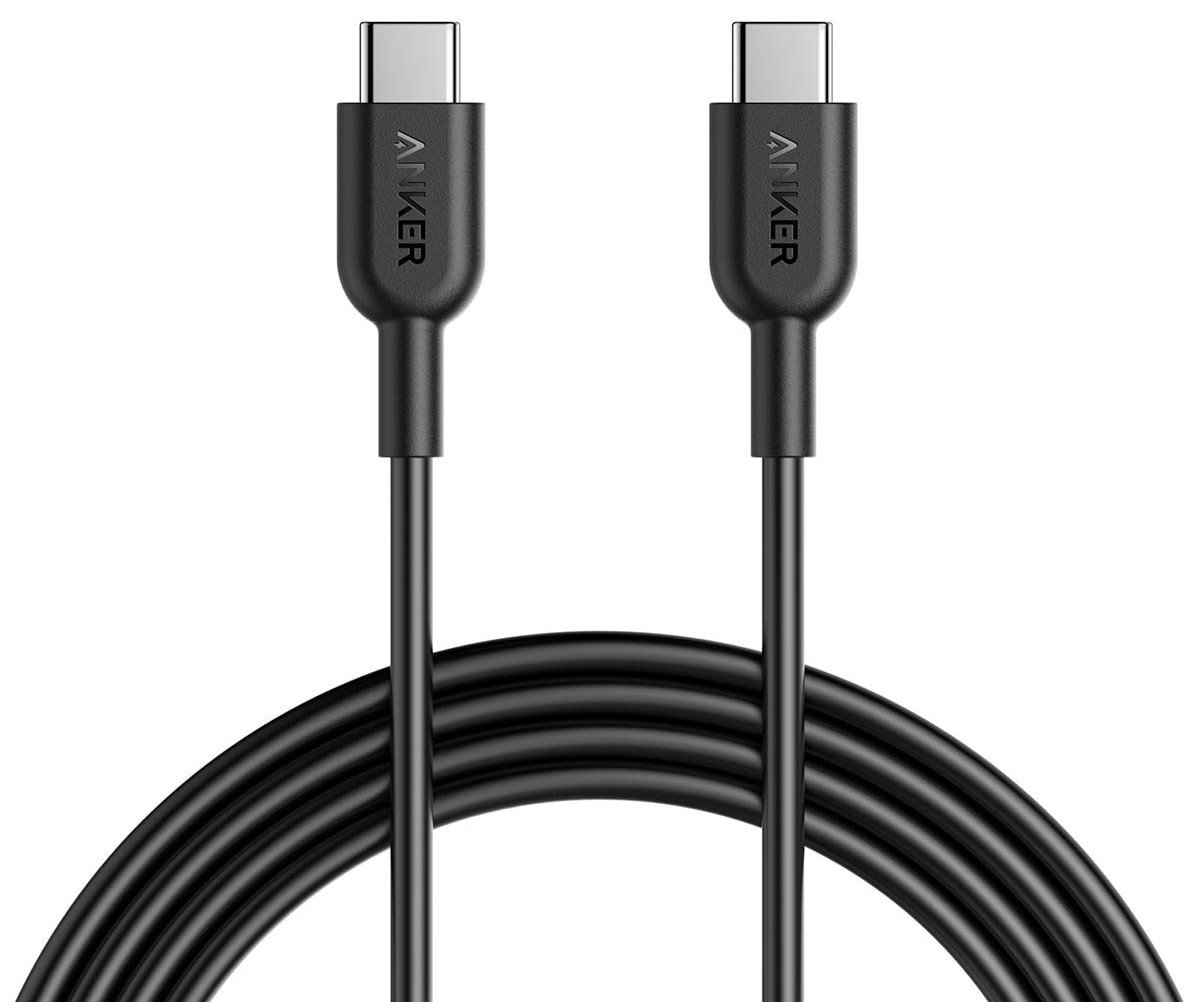
Keeping your phone plugged in while traveling is a constant pain, but a nice long USB cable can alleviate some of the stress of using those hard-to-reach outlets. Anker's cables are robust, and this six-foot example is a great travel companion.
Anker PowerCore 10000 USB-PD battery pack

When you're traveling you don't want anything to slow you down, so make sure you have a portable battery back that charges your phone quickly. This Anker 10000mAh pack supports 18W USB PD and it's incredibly light.
AUKEY CC-Y12 18W PD Car Charger
This is a super-compact USB-C car charger you can plug in and forget it's there until you need to charge your phone at top speed. Isn't that handy?