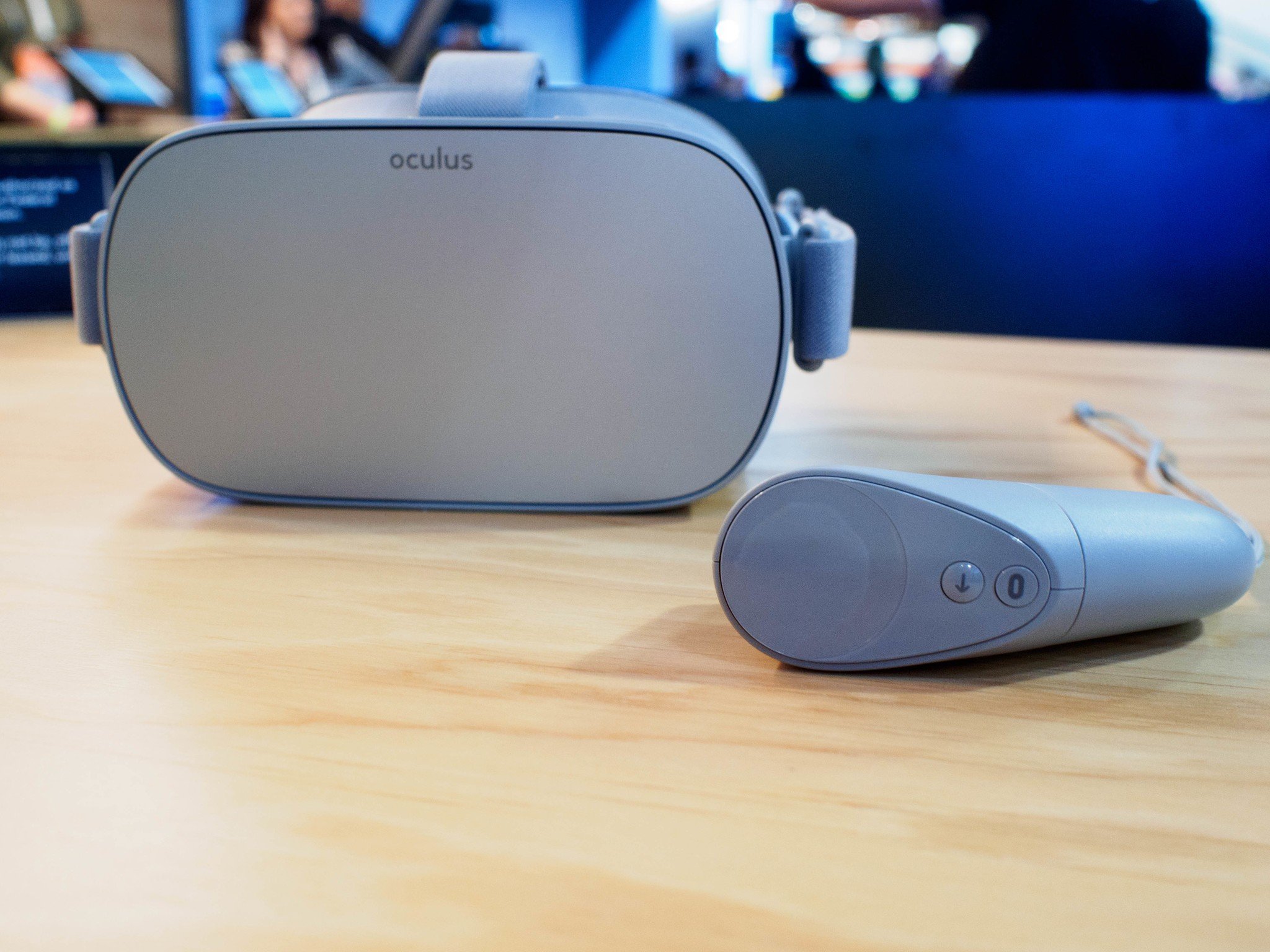
Don't let your controller grief you
Sometimes technology does that thing where it randomly decides, "Hey, yeah, I don't wanna work anymore. Cool? Cool." So before you panic, we've got some solutions for you to try out before you get too frustrated. Here's how to get your (OGO) controller to connect to your device so you can get it back into all the super cool experiences it has to offer!
Check the controller
The Oculus Go controller is not chargeable like the controller for the . Thankfully a battery was included in the box with the OGO! Outside of this, there are a few things you want to check for when going over your controller. Before anything, go through all these steps first.
Remove the cap from the controller. Get a firm grip on both ends and pull. Don't worry, you won't break it.
Check inside for the instructions. This will give you all of your warnings and let you know which direction the battery goes.
Check the inside of the controller for any dirt, grime or parts that look like it might be severing the connection.
Make sure the battery connection on the other end of the controller is also untarnished.
Insert the battery. The flat side goes in first.
Press down the battery to ensure you have a secrure fit.
- Re-cap the device and test the connection once again!
After you've gone through all of the checkpoints you want to make sure that there are no loose or broken pieces. If there are, contact the seller of your device to see what the warranty on it is as you might need something replaced. If you have no visible issues but still cannot connect your controller try out the next options we have.
Testing buttons
Your controller isn't connecting so let's try to now convince it that it's disconnecting from this ghost pairing it has. Go through these steps to reset the controller with just the buttons on it.
Press any button on the controller.
Press and hold the Oculus button to try and reset the position of the controller.
- Press and hold the Oculus button and back button until the controller LED blinks and then fully lights up to re-pair the controller.
While doing these steps if you do not experience any lights you might just have a defective controller. In this case contact about a replacement.
Using the app
Now test to see if the controller is even connecting to the app and registering it as your controller. If you do not see a controller listed on the app and none of the above steps worked, check in with as you might need a replacement.
- Unpair and re-pair your Oculus Go controller:
- Open the Oculus companion app on your phone.
- Tap Settings from the bottom menu.
- Tap the headset you currently have paired.
- Tap Controller, then tap the controller you currently have paired.
- Tap Unpair Controller.
If nothing has been working for you, or you are still experiencing issues, it might be time to try and . Thankfully Oculus has made that process very easy to be done. Otherwise, the only option might be to contact to see what options they have available to you. Be sure to have your receipt and which company you bought your device from handy.