

The update hasn't started rolling out in the U.S. yet.
What you need to know
Samsung a software update to fix the Galaxy S20 Ultra's green tint issue last week. Some owners of the Exynos 990-powered variants had started about the display green tint issue after installing the April 2020 security update on their phones. Just a week after releasing the fix for the green tint issue, Samsung is now pushing a new update for the series phones.
As per the folks at , the latest update arrives as version G98xxXXS2ATD5 and brings the latest May 2020 security patch. According to the official changelog, the update doesn't come with any new features or improvements.
Samsung has been pushing the latest Android security updates to its phones before Google and other Android OEMs for the last , so it is no surprise that the Galaxy S20 series phones are already being updated to the May security patch.
The update is currently rolling out to Galaxy S20, , and Galaxy S20 Ultra users in several European countries. In the coming days, the update is likely to expand to several other markets, including the U.S. If you own a Galaxy S20 series phone, you will automatically be notified once the update is available to download in your region. Alternatively, you can look for the update manually by opening the Settings app on your phone and heading to Software update > Download and install.
Get More Galaxy S20
Samsung Galaxy S20, S20+ & S20 Ultra

What you need to know
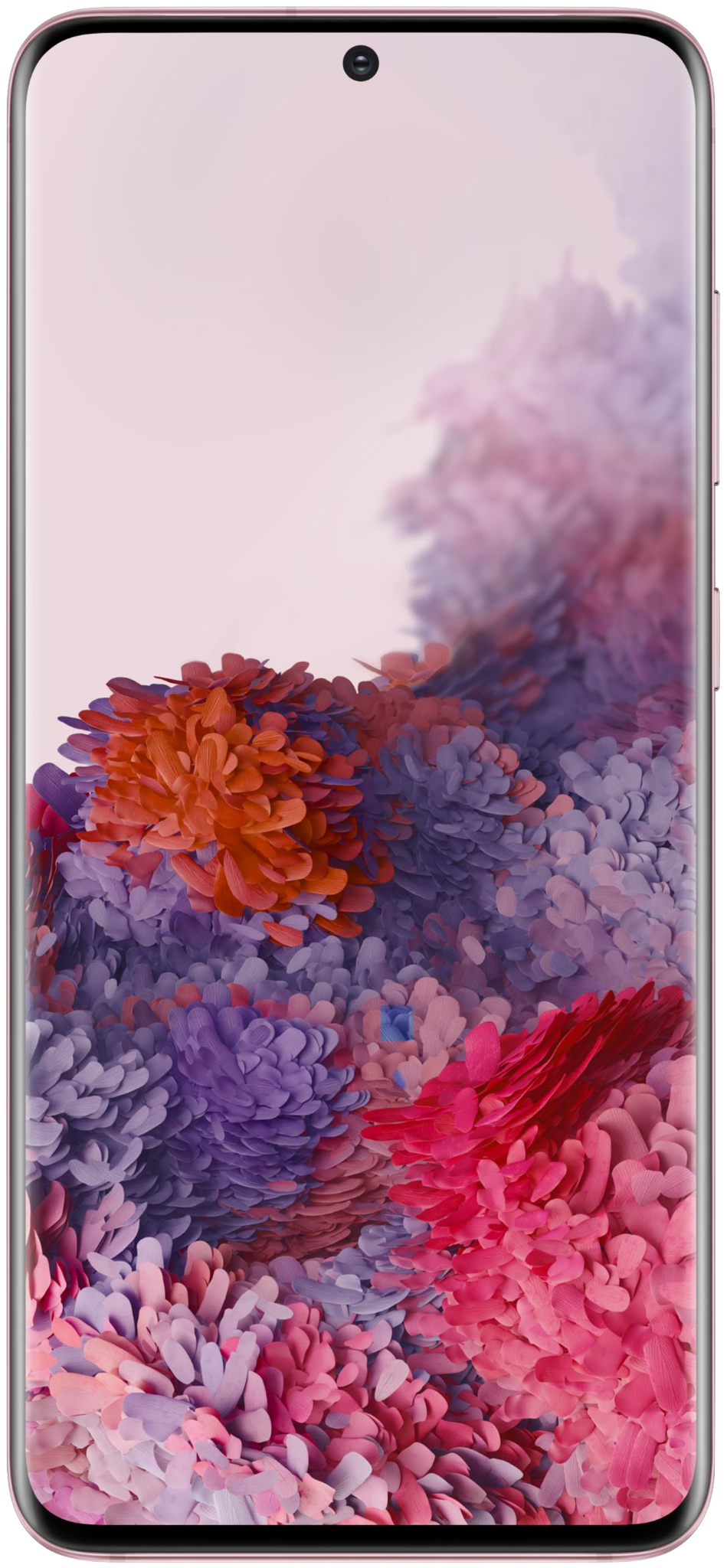
- Samsung has started rolling out a new software update for its flagship Galaxy S20 series phones.
- The update comes with the latest May 2020 Android security patch.
- It is currently rolling out only in select countries in Europe, but is soon expected to expand to other markets.
Samsung a software update to fix the Galaxy S20 Ultra's green tint issue last week. Some owners of the Exynos 990-powered variants had started about the display green tint issue after installing the April 2020 security update on their phones. Just a week after releasing the fix for the green tint issue, Samsung is now pushing a new update for the series phones.
As per the folks at , the latest update arrives as version G98xxXXS2ATD5 and brings the latest May 2020 security patch. According to the official changelog, the update doesn't come with any new features or improvements.
Samsung has been pushing the latest Android security updates to its phones before Google and other Android OEMs for the last , so it is no surprise that the Galaxy S20 series phones are already being updated to the May security patch.
The update is currently rolling out to Galaxy S20, , and Galaxy S20 Ultra users in several European countries. In the coming days, the update is likely to expand to several other markets, including the U.S. If you own a Galaxy S20 series phone, you will automatically be notified once the update is available to download in your region. Alternatively, you can look for the update manually by opening the Settings app on your phone and heading to Software update > Download and install.
Get More Galaxy S20
Samsung Galaxy S20, S20+ & S20 Ultra