

OnePlus recommends disabling DC dimming to "fix" the green tint.
What you need to know
A few owners of the Exynos-powered Samsung Galaxy S20 Ultra started reporting a weird display issue earlier this month, after installing the April 2020 security update on their phones. An to fix the issue started rolling out yesterday and is expected to become widely available by the end of this month.
While Samsung seems to have fixed the green tint issue affecting some units, owners have now started reporting a similar green glow. According to some owners on the , the green tint appears on the screen only when the refresh rate is set at 120Hz, and the brightness is lowered.
OnePlus hasn't acknowledged the issue yet, so it isn't clear if the company is planning to release a software update to fix the issue. When contacted by a OnePlus 8 Pro owner regarding the issue, the company replied saying a slight display discoloration may occur due to the properties of the AMOLED display and does not affect daily usage in any way. Some owners claim that the issue can be fixed by turning on the DC Dimming feature, but doing so results in "black crush." For many, "black crush" could be even more annoying than a green tint, as it can completely ruin the viewing experience.
The standard , which has a 90Hz panel, doesn't appear to suffer from the same issues.
Get More OnePlus 8
OnePlus 8 & 8 Pro
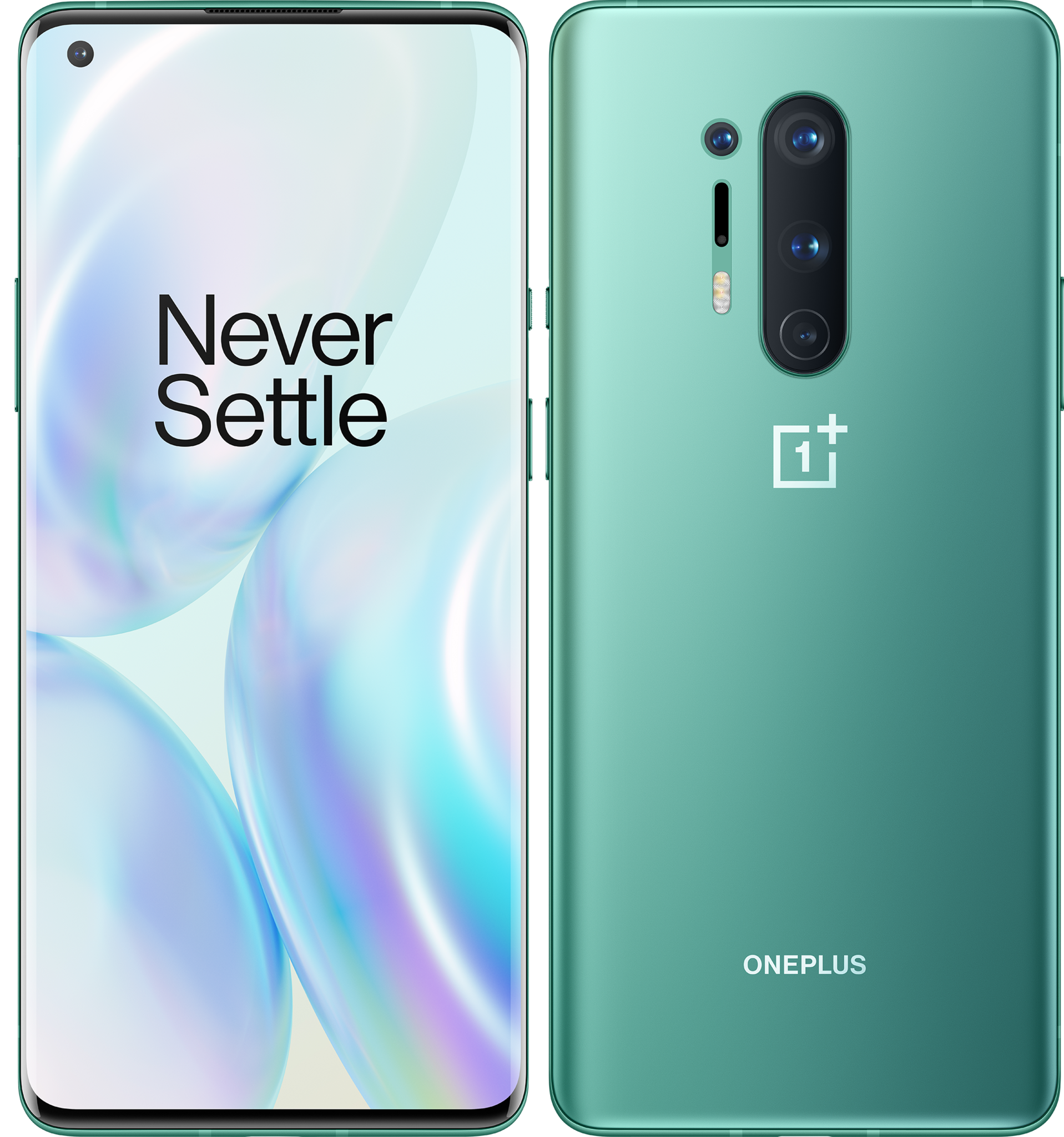
{.end}) {.end}

What you need to know
- A few OnePlus 8 Pro owners are claiming the phone's display has green tint and black crush issues.
- The issues only show up when the screen is set at 120Hz and the brightness is lowered.
- A similar issue was reported by owners of the Exynos-powered Samsung Galaxy S20 Ultra recently.
A few owners of the Exynos-powered Samsung Galaxy S20 Ultra started reporting a weird display issue earlier this month, after installing the April 2020 security update on their phones. An to fix the issue started rolling out yesterday and is expected to become widely available by the end of this month.
While Samsung seems to have fixed the green tint issue affecting some units, owners have now started reporting a similar green glow. According to some owners on the , the green tint appears on the screen only when the refresh rate is set at 120Hz, and the brightness is lowered.
OnePlus hasn't acknowledged the issue yet, so it isn't clear if the company is planning to release a software update to fix the issue. When contacted by a OnePlus 8 Pro owner regarding the issue, the company replied saying a slight display discoloration may occur due to the properties of the AMOLED display and does not affect daily usage in any way. Some owners claim that the issue can be fixed by turning on the DC Dimming feature, but doing so results in "black crush." For many, "black crush" could be even more annoying than a green tint, as it can completely ruin the viewing experience.
The standard , which has a 90Hz panel, doesn't appear to suffer from the same issues.
Get More OnePlus 8
OnePlus 8 & 8 Pro
{.end}) {.end}