

Windows
Windows
Ever made a mistake when typing your address and your package wasn’t delivered to you? Do you always need to take out your credit card every time you’re ready to purchase something online? For everyone who’s experienced these everyday nuisances, Microsoft is excited to announce autofill support for your addresses and payment info in Microsoft Authenticator along with existing support for !
If you use Google Chrome, you can autofill addresses and payments info using the available on the Google Chrome web store.
Fill your addresses and payment info across your devices
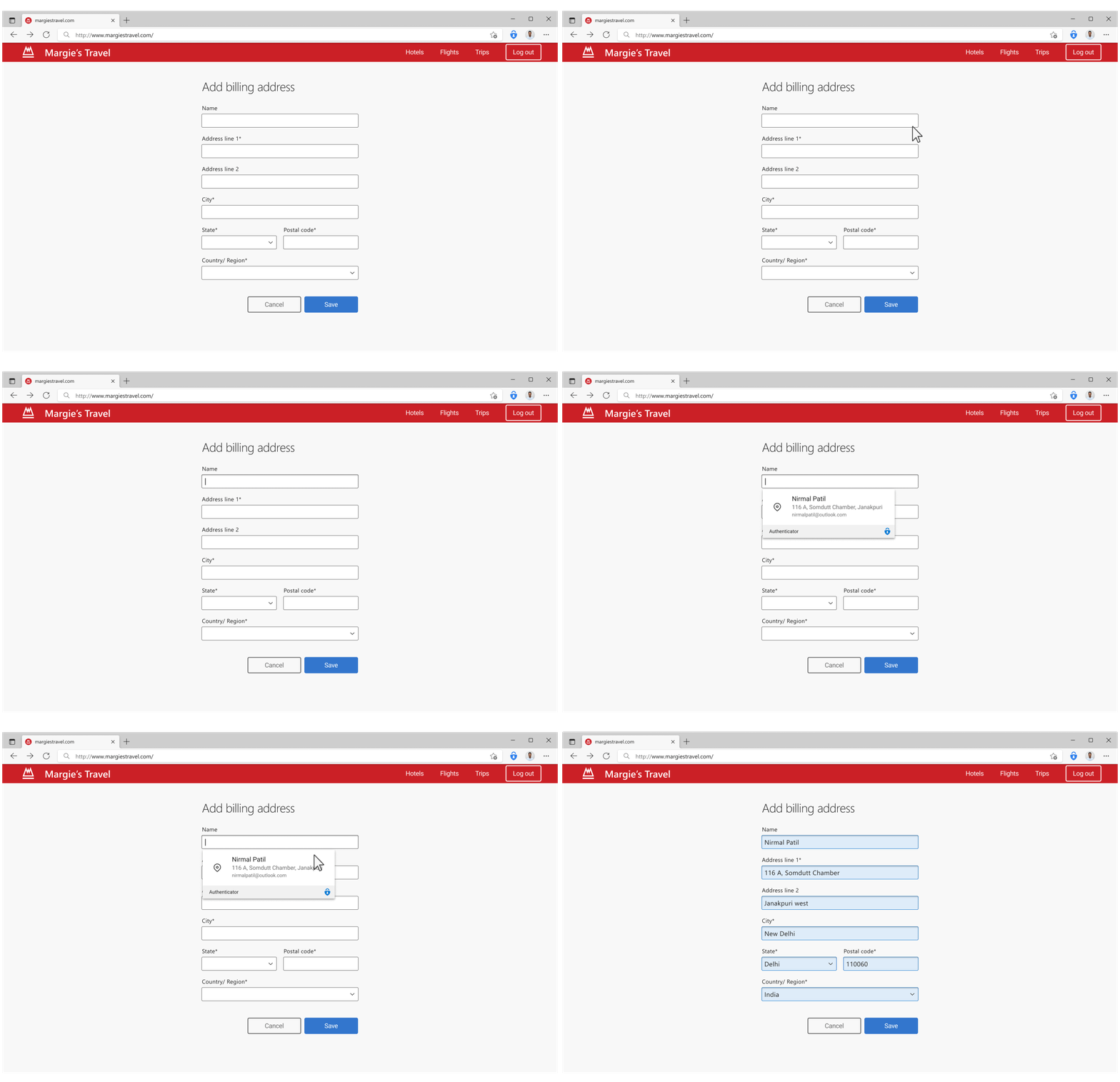
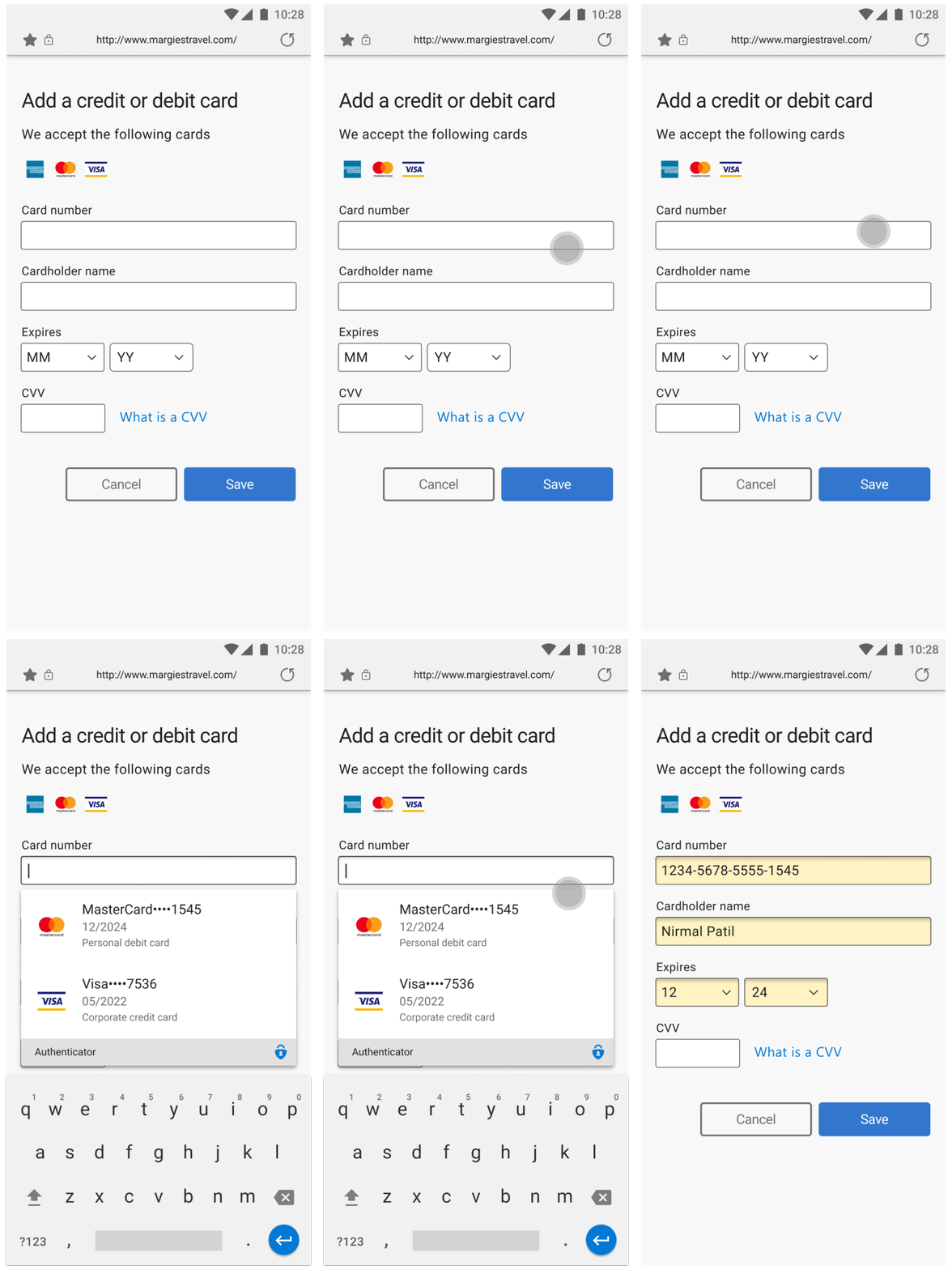
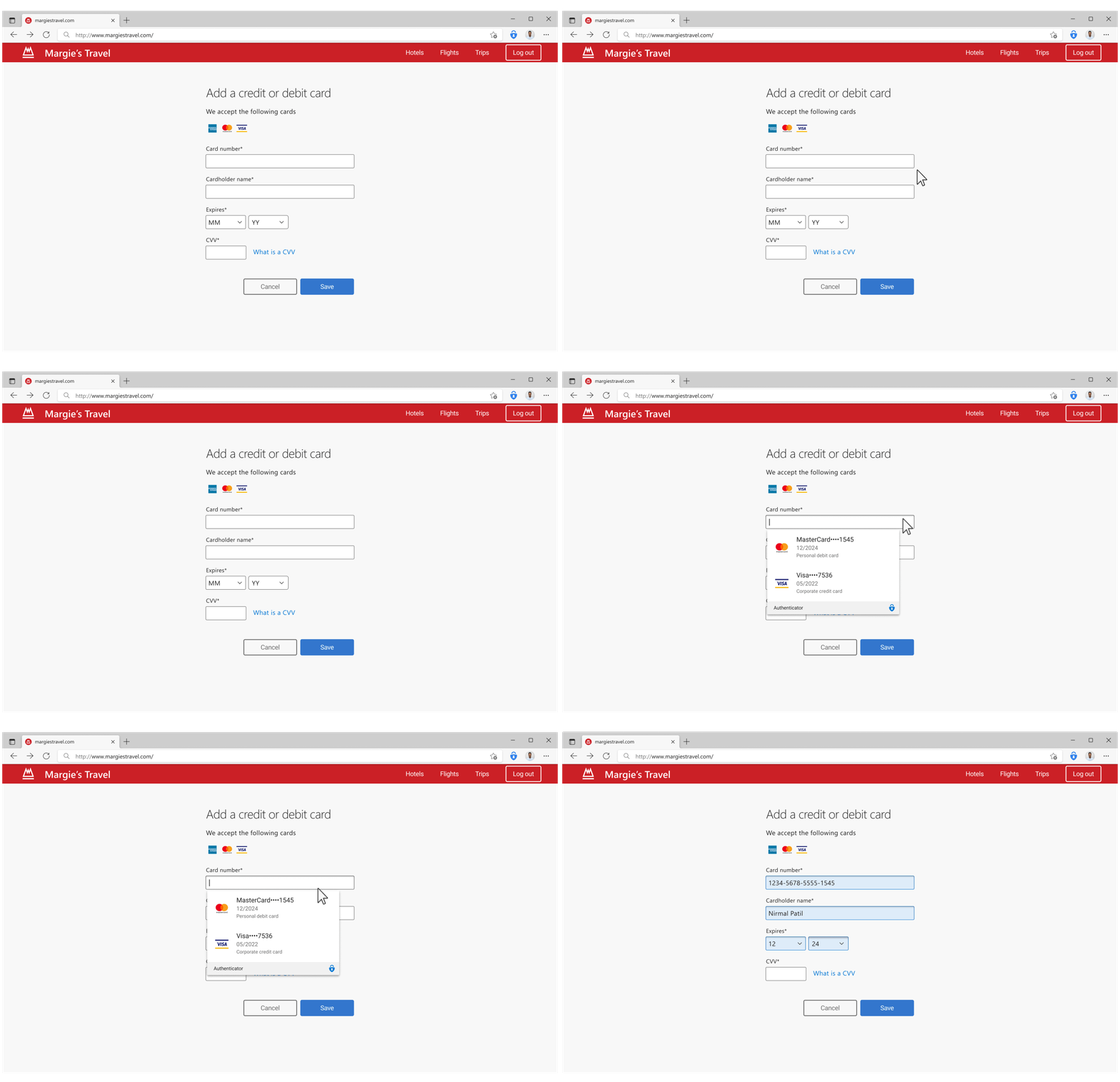
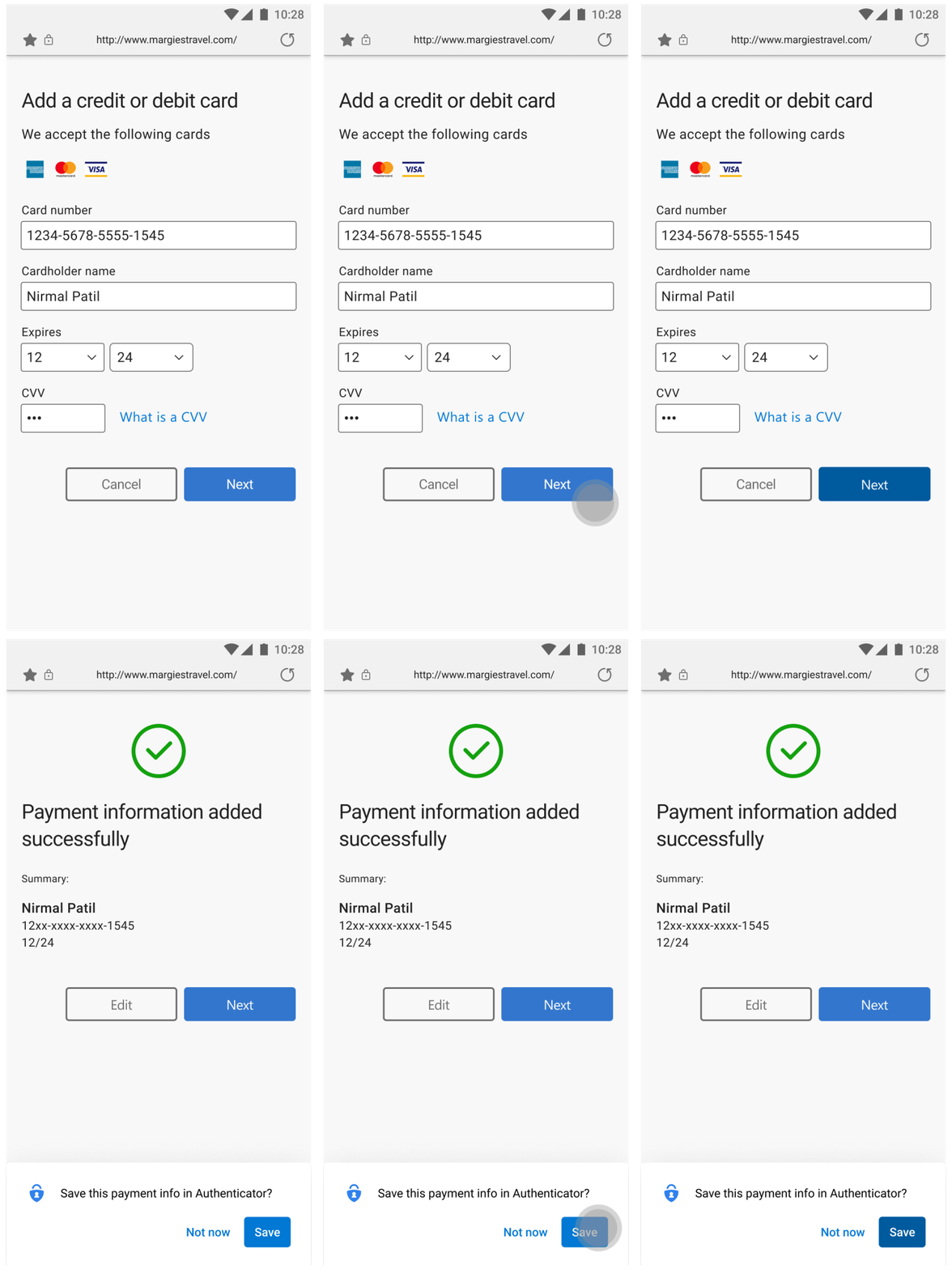
Just like your passwords, Autofill now stores addresses and payment info using your . If you haven't already synced your autofill data on your mobile device, open the app, go to the Passwords tab, and simply start syncing your data. . Once you’ve done that, you can now autofill your addresses or payment info by simply opening your favorite apps or sites and choosing from our autofill suggestions.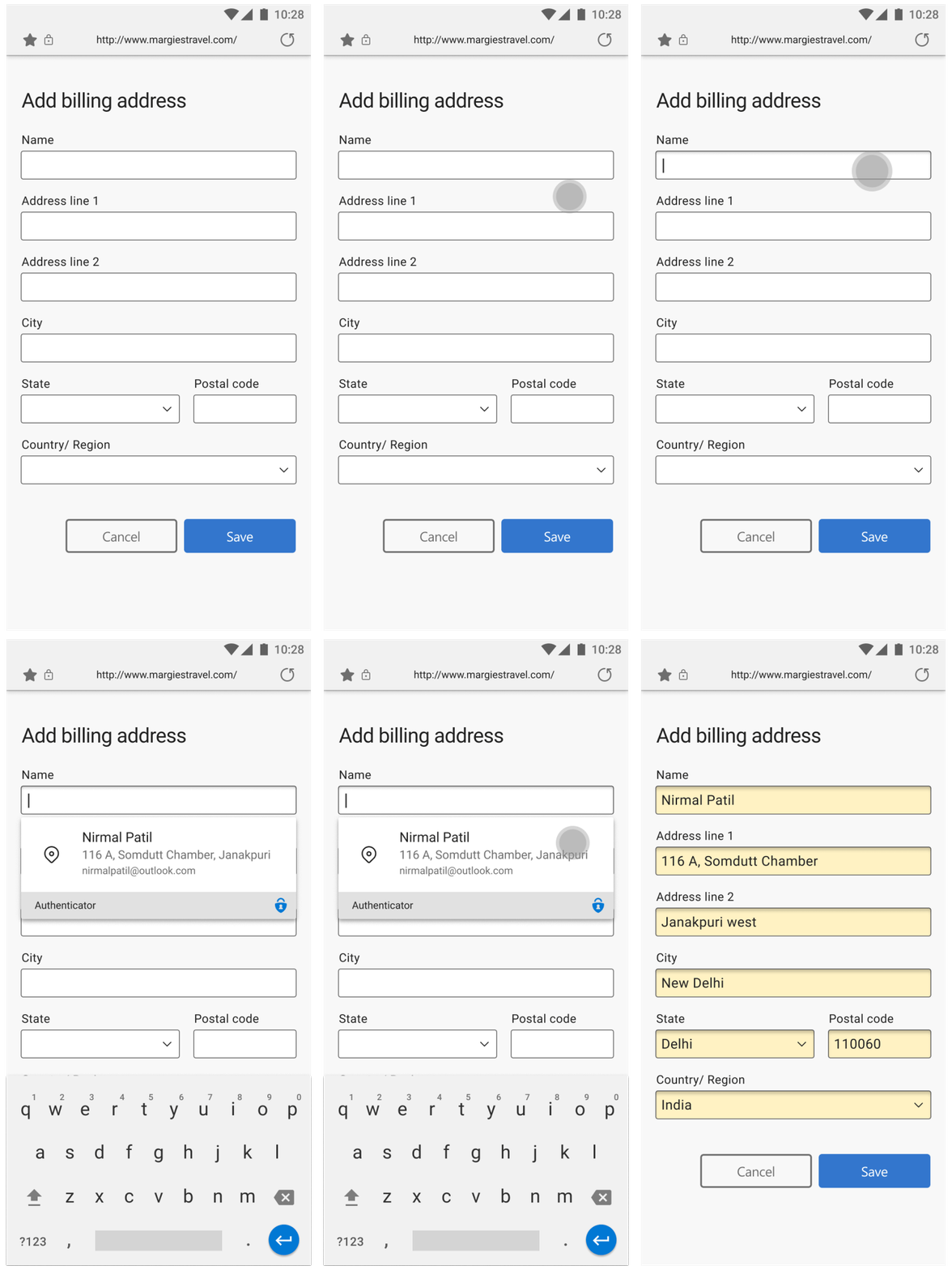
| 
|
Never make a mistake in typing your information
Let Autofill securely save your address or payment info for you so you don’t have to type it again or make any mistakes in getting your important packages delivered. Your addresses will sync across devices and can be filled automatically, including on your desktop devices using or the on Google Chrome.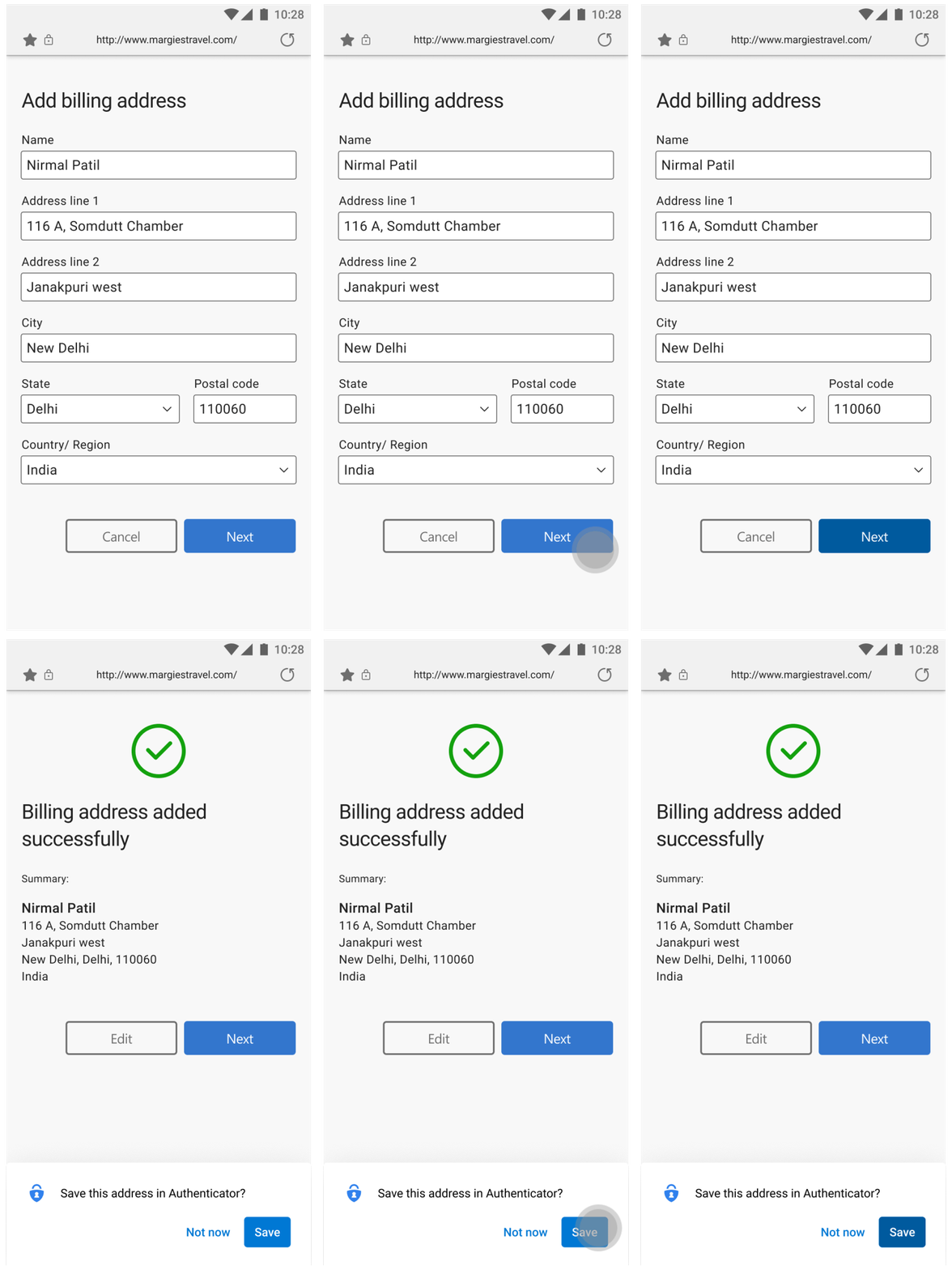
| 
|