Windows
Windows
An updated preview of Project Reunion
With the Project Reunion 0.8 preview you can create and modernize your Windows apps seamlessly for both client and cloud endpoints. To get started, simply install the Project Reunion Visual Studio template and you’ll have access to the project templates and APIs you need. When you build an app that uses Project Reunion, you get access to: coherent and modern interactions and UX with WinUI 3, great system performance and battery life, an experience optimized for the device hardware, and hassle-free app discovery and management. It’s all built on top of existing Desktop (aka Win32) features available to adopt incrementally at a much faster pace since they are decoupled from the Windows OS. Lastly, you can try the new unpackaged app support preview in Project Reunion. This allows you to use AppLifecycle, MRT Core, and DWriteCore in your unpackaged (non-MSIX) apps! You can learn more about Project Reunion 0.8 preview and provide feedback in our . We’re constantly evaluating feedback and if there’s something missing, we want to know!New development optimizations for Windows Terminal
Windows Package Manager 1.0
Expanded WSL support: AI training and WSLg
Build great AI-powered experiences with WinML
Windows Machine Learning is an on-device ML API for deploying ML models within Windows applications. WinML provides developers with APIs that reduce development and maintenance costs, handling hardware-specific optimizations, process scheduling and memory isolation on behalf of the API caller. Experiences using WinML deliver fast and accurate results on the broadest number of devices in the Windows ecosystem. WinML powers key Windows capabilities and apps, such as Ink Recognition and Photos, as well as innovative experiences from software vendors like Adobe, GE Healthcare and others. You can learn more about here.Voice and Video Support added to Azure Communication Services Calling SDK for Windows
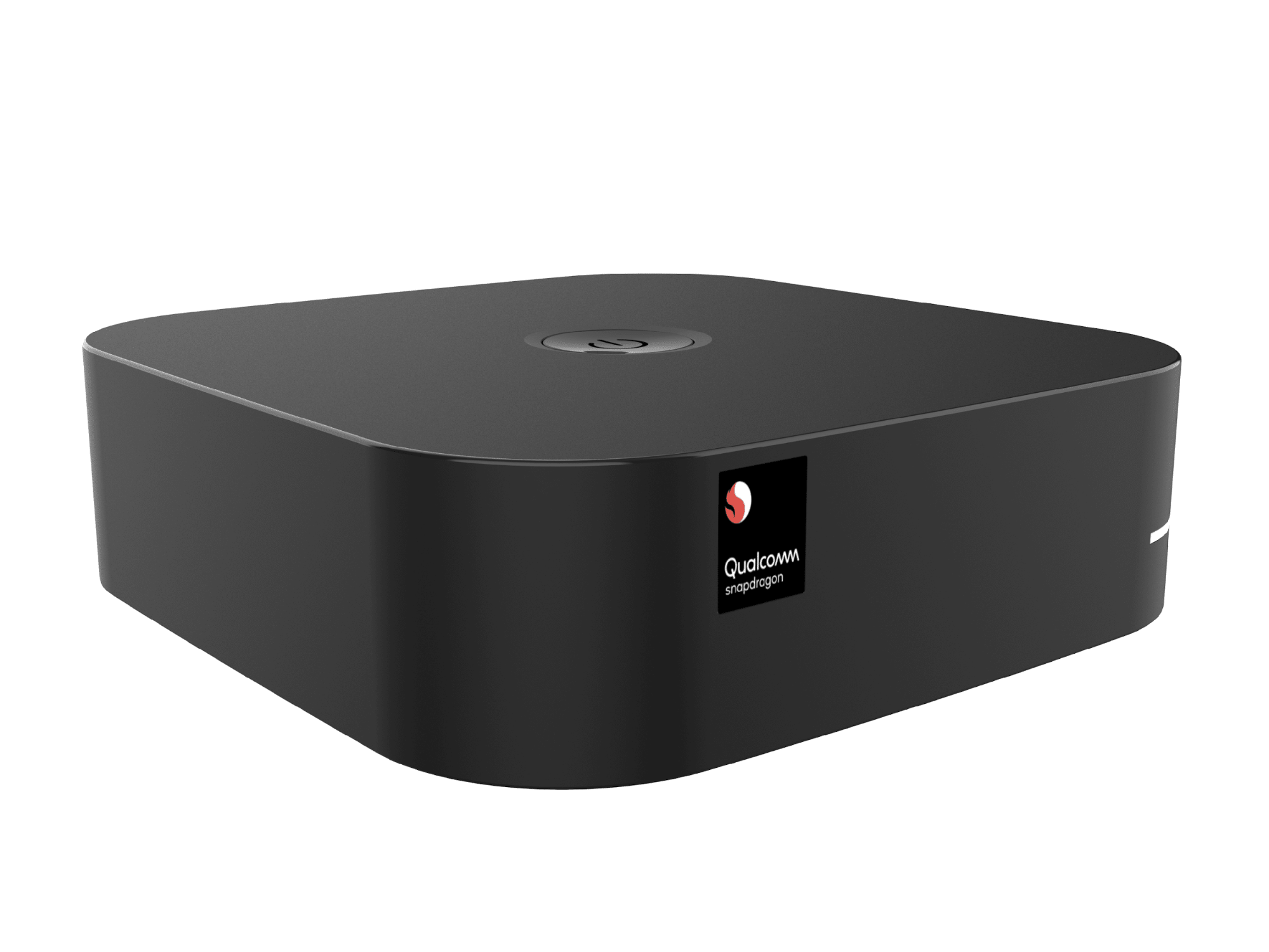
The Azure Communication Services Calling SDK for Windows apps is available in preview, streamlining the publishing of apps on Windows devices with UWP support. Developers can now add voice and video calling capabilities to their native applications that run on Microsoft Windows, enabling rich communication experiences for desktop PC, Xbox, Mixed-reality headset, HoloLens, IoT devices and more. You can learn more about here.Introducing the Snapdragon Developer Kit, an affordable Windows 10 on Arm-based PC designed for developers