
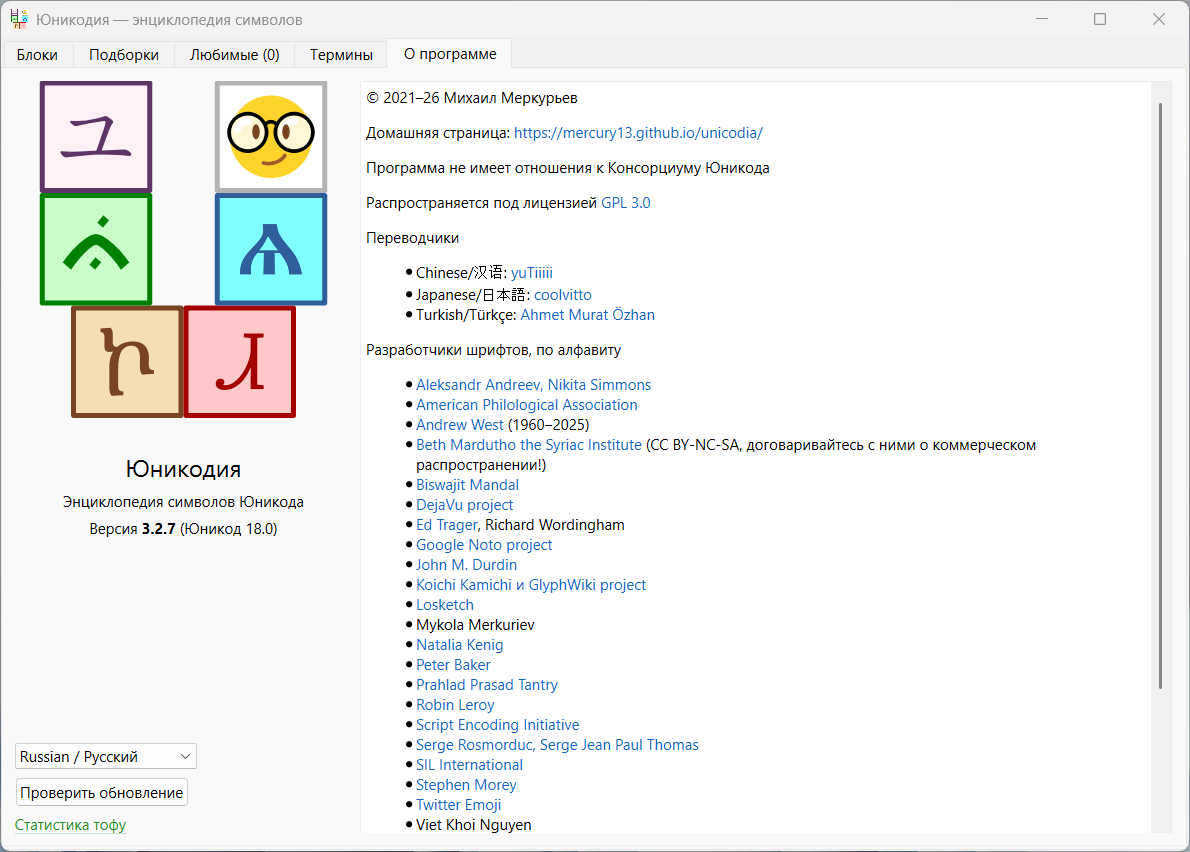
Interface language: Russian, English and others
System requirements:
Windows 7 - 11 (x86/x64)
Description:
Unicodia is an open source encyclopedia of Unicode characters. It can be used as an alternative character table for your Windows computer. The interface contains everything you need, allowing you to easily view all available ASCII characters and copy them to the clipboard.
Under Windows 10/11 - all Unicode 17 characters are visible without tofu (there are no multi-character sequences yet).
Under Windows 7 - now I guarantee only the simplest startup. But since I used to demand more and specifically did not give the back, quite a lot of displayed symbols.
You can see if there is a symbol in your system, and if so, what a font.
Copying character codes in HTML, UTF-8 and UTF-16.
The simplest search.
The emoji controller.
A few words on each writing. Unicode is just interesting to read.
Chinese/Korean/Japanese originally curtailed. Otherwise, you shouldrrow somewhere - 75% that you get into the hieroglyph.
Open and free (except for a single font license, see About the program).
**◆──◇──◆──◇──◆──◇──◆──◇──◆──◇──◆**
Unicodia 3.2.7 + Portable (82 MB)
NitroFlare
RapidGator