
Requirements: Android 12.0+ | Size: 1.92 MB
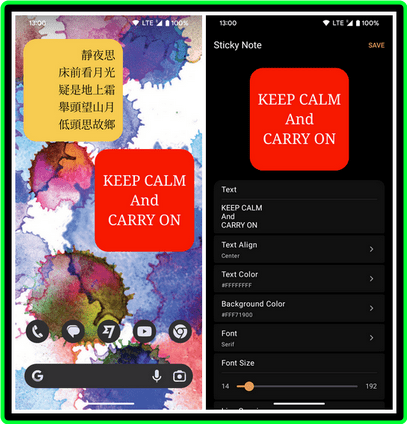
WSticky is sticky notes widget for home screen use.
To add the Sticky Note Widget to your home screen
1. Open your Android home screen.
2. Long-press on an empty area of the screen.
3. Tap Widgets.
4. Scroll down and find WSticky widget.
5. Drag the widget to the desired location on your home screen.

 ️ WSticky Sticky Note Widget V1
 (1.92 MB)
NitroFlare Link(s)
RapidGator Link(s)