
QUICK INFO: File Size : 19.2 Mb
DESCRIPTION: YUMI (Your Universal Multiboot Installer), is the successor to MultibootISOs. It can be used to create a Multiboot USB Flash Drive containing multiple operating systems, antivirus utilities, disc cloning, diagnostic tools, and more. Contrary to MultiBootISO's which used grub to boot ISO files directly from USB, YUMI uses syslinux to boot extracted distributions stored on the USB device, and reverts to using grub to Boot Multiple ISO files from USB, if necessary.
Aside from a few distributions, all files are stored within the Multiboot folder, making for a nicely organized Multiboot Drive that can still be used for other storage purposes.
YUMI works much like Universal USB Installer, except it can be used to install more than one distribution to run from your USB. Distributions can also be uninstalled using the same tool!
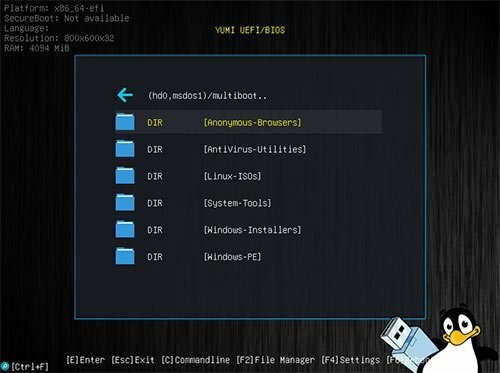
With the exFAT version, all files are stored within the Multiboot folder, making for a nicely organized Portable Multiboot USB Drive that can still be used for other storage purposes.
Though YUMI was originally intended to be used to store and run various "LIVE Linux" Operating Systems and tools from USB, Using YUMI to install Linux from USB to a Hard Drive works with most distributions. If you find a distribution where the install does not work, please let me know.
System Requirements: Windows 11, Windows 10, 8 , 7
Whats New
Fixed the Debian Live Persistence option. Disabled automatic updates at runtime.
⋆- - - - -☽───⛧ ⤝❖⤞ ⛧───☾ - - - -⋆
YUMI ExFAT 1.0.3.9 (20 MB)
09-06-2026 |
 11:06 UTC
NitroFlare
RapidGator